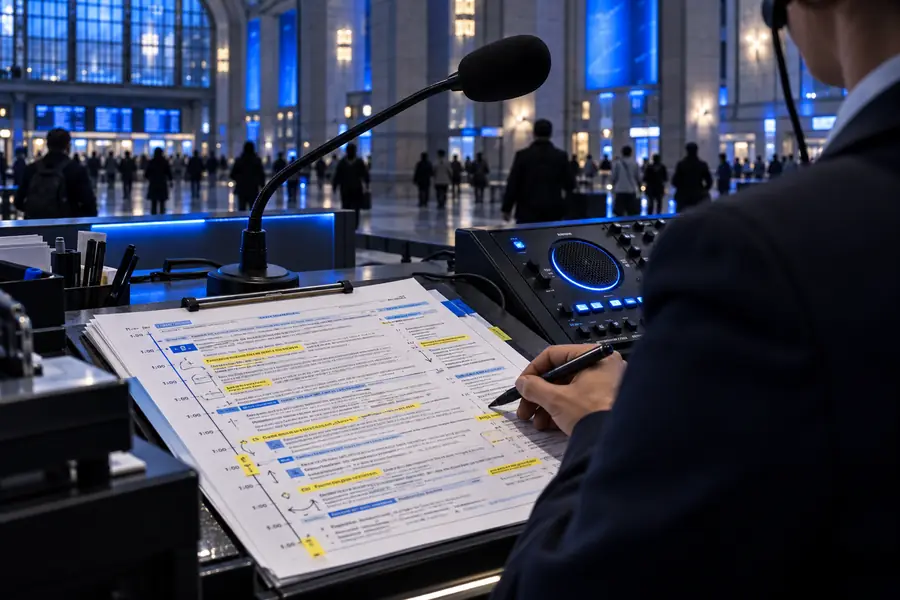

Public message studio

Build an ai voice announcement generator workflow

Turn a rough service update, venue notice, or transport alert into a clear spoken announcement with a consistent voice direction and a reviewable script.

Review before publishing

Related paths

the audience's existing pipeline

Announcements already move through a practical chain: someone writes the message, another person checks the facts, and a channel owner prepares it for playback or publishing.

Workflow fit

where we slot in

The voice generator belongs after the facts are settled and before the final channel export, helping teams test delivery without replacing editorial review.

  1. 1

    Prepare the source copy

    Collect the verified facts, required names, numbers, dates, locations, and the one action listeners must understand. Keep the source announcement short enough to hear in one pass.

  2. 2

    Shape the spoken version

    Use the announcement prompt to set audience, tone, pacing, pronunciation notes, and repetition. A voice generator can help turn written shorthand into language that sounds natural aloud.

  3. 3

    Review and release

    Listen for names, times, emphasis, and ambiguous wording. Compare the generated take with the approved copy, then send the accepted announcement to the team or channel that handles playback.

A useful target for one focused public announcement
20 sec
Keep the listener's next step unmistakable
1 action
Read for factual accuracy, then listen for delivery
2 passes

Message transformation

before/after

The biggest improvement is usually not a more dramatic performance. It is a cleaner sequence that lets a listener identify the situation, understand the instruction, and act without rereading.

Dense written service notice prepared for conversion Before: internal note
Clear spoken announcement layout for public delivery After: listener-ready announcement
The final read should preserve every verified fact while removing internal shorthand, stacked clauses, and unclear instructions.

Quality boundaries

deliverable spec

An announcement voice generator can improve wording and delivery, but it cannot decide whether a message is true, permitted, or appropriate for a particular audience.

It cannot verify live facts

A generated announcement does not know whether a gate is open, a platform has changed, or a service has resumed. Treat every operational detail as source material that needs human confirmation.

Workaround

Assign one named reviewer to check times, places, numbers, and status immediately before release.

It cannot replace accessibility planning

A clear voice is only one part of an accessible announcement. Some listeners may need visual text, captions, signage, vibration, or a different language channel.

Workaround

Pair the spoken file with the formats and support channels your audience already uses.

It cannot guarantee pronunciation

Names, acronyms, street addresses, product codes, and multilingual terms may sound wrong even when the written script is correct.

Workaround

Add pronunciation guidance, listen critically, and request a human read for high-risk or highly local terms.

It cannot make an unsafe message safe

Urgency, volume, or a confident voice will not fix contradictory instructions, missing evacuation details, or wording that could cause panic.

Workaround

Have the responsible safety, venue, or operations owner approve the final script before playback.

Put your next announcement into words

Start with the verified message, the audience, and the action they need to take. The partner workflow can help you shape a usable voice draft, while your team keeps control of facts, approval, timing, and release.

Create an announcement
  • Turn rough notes into spoken copy
  • Keep the instruction easy to follow
  • Review names, numbers, and timing before use

Scenario FAQ

scenario FAQ

These answers cover the practical questions teams ask when using an ai voice announcement generator for public-facing messages.

It helps turn written information into a spoken announcement for settings such as venues, transport, events, facilities, and service updates. The useful output is a draft or recording that still needs factual, operational, and accessibility review before release.

It can help structure messages about arrivals, delays, directions, closures, queue instructions, and schedule changes. It should not be treated as a live operations system, so a responsible person must confirm the current details and approve the final wording.

Keep one announcement focused on one situation and one primary action. Around 20 seconds is a practical starting target, but the right length depends on the amount of essential information, the environment, repetition needs, and whether the message is also shown as text.

Write short sentences, put the most important fact near the beginning, and spell out names or numbers that could be misheard. Add notes about pace or pronunciation, then listen on the kind of speaker and in the kind of space where the announcement will be used.

Yes. A human should verify every operational fact, pronunciation, instruction, and timing before playback. For emergency, safety-critical, legal, or highly sensitive messages, follow the responsible organisation's approval process and consider a qualified human announcer.

Start creating
Start creating