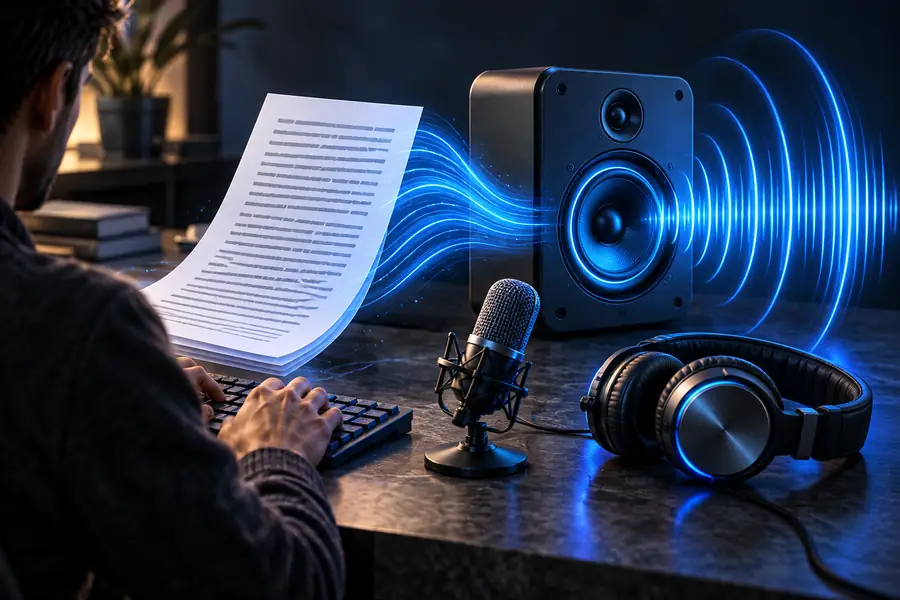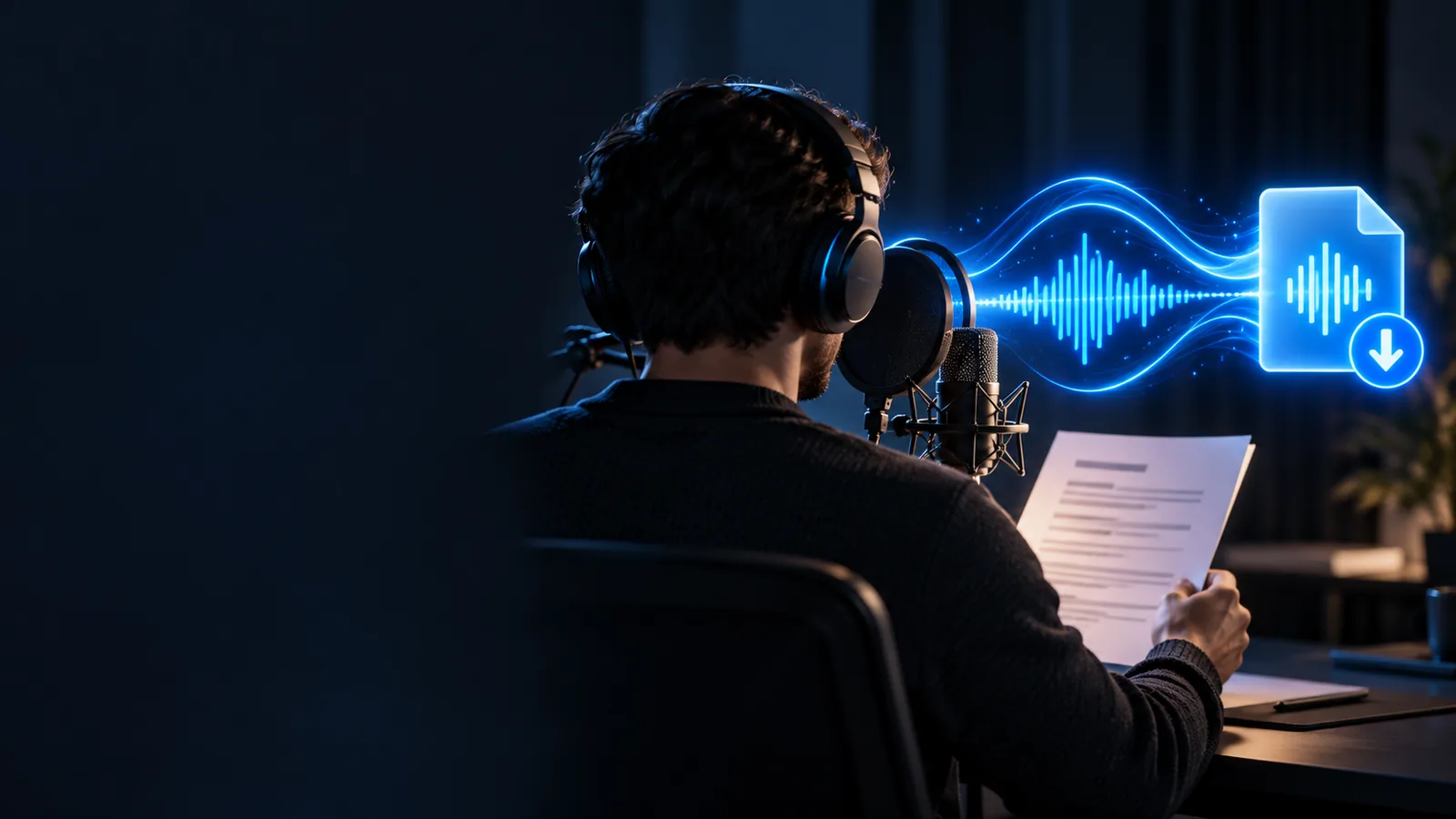
Script to speech

Use a voice generator text to speech workflow

A voice generator text to speech workflow is built for one clear job: turning written words into spoken audio. Start with a prepared script, choose a suitable voice, and review the result before using it in your project.

Review before publishing
Voice generator workspace for turning written text into spoken audio

Know the edges

This entry point vs the general one

Text-to-speech is intentionally narrower than a general voice tool. Knowing the boundary helps you choose the right workflow before you prepare a full project.

It does not replace a live performance

Generated speech follows the script and selected direction, but it cannot recreate every spontaneous pause, interruption, or physical performance.

Workaround

Write natural pauses into the script and review several takes before choosing one.
It does not repair weak writing

A voice generator can speak awkward sentences clearly, but it cannot reliably turn unclear structure into a persuasive script.

Workaround

Edit for short sentences, direct wording, and one idea per line before generating.

It does not guarantee a perfect first take

Names, abbreviations, punctuation, and unusual spellings may be pronounced differently from what you intended.

Workaround

Use phonetic spellings or alternate punctuation, then listen closely to the result.

It does not create a complete video edit

The spoken track is only one part of a finished production and may still need timing, music, captions, or visual assembly.

Workaround

Export or hand off the audio, then complete the edit in the tool used for your final format.

Simple workflow

The 3 things only it does

The route stays practical by separating preparation, voice selection, and review. Each step gives you a clear checkpoint before moving on.

  1. 1

    Prepare the words

    Paste a script, outline, announcement, narration, or short dialogue. Add punctuation and line breaks where you want the delivery to breathe.

  2. 2

    Set the delivery

    Choose the voice direction that fits the audience, then describe useful qualities such as calm, warm, instructional, or energetic.

  3. 3

    Listen and refine

    Review the spoken result for pronunciation, pacing, emphasis, and tone. Adjust the script or direction instead of accepting the first output automatically.

Related routes

Choose the next useful path

The best route depends on whether you need a straightforward narration, expressive delivery, or a different kind of voice workflow.

Side by side

The focused route compared with a general voice tool

Both approaches may involve synthetic speech, but their starting points and review needs are different.

Text-to-speech route
General voice generator

Primary input

Text-to-speech route

Written script or prepared text

General voice generator

A broader prompt, voice idea, or mixed project brief

Main output

Text-to-speech route

Spoken audio based on the supplied words

General voice generator

A voice result that may depend on the requested use case

Best starting point

Text-to-speech route

Narration, announcements, lessons, and dialogue

General voice generator

Exploring different voice concepts or production directions

Control emphasis

Text-to-speech route

Pronunciation, pacing, pauses, and script clarity

General voice generator

Voice identity, style, character, or broader creative direction

Review question

Text-to-speech route

Does the delivery match the written meaning?

General voice generator

Does the generated voice fit the intended concept?

Typical next step

Text-to-speech route

Refine the script and place the audio in a project

General voice generator

Compare concepts before selecting a production workflow

Output check

From written copy to listenable delivery

The useful difference is not only that words become audio; it is that the script can be revised around how it sounds when spoken.

Written script prepared for voice generation Written script
Spoken audio workflow ready for review Spoken result
Read the result aloud before final use. A sentence that looks concise on screen may still sound rushed, flat, or ambiguous when heard.

Practical uses

Who benefits from this workflow

A focused speech route is useful whenever the words already exist and the main task is making them listenable.

Course creator

You have lesson notes or a finished module and need consistent narration for learners.

A clear spoken track gives the lesson a repeatable presentation without recording every section live.

voice generator online free

Video editor

You need a temporary or final narration track while assembling a short explainer.

A generated reading helps you test timing, scene length, and caption placement before the edit is locked.

voice generator for CapCut

Customer team

You are preparing a short announcement, instruction, or service message from approved copy.

The team can review the message as spoken audio and catch wording that reads well but sounds confusing.

ai voice announcement generator

Creative writer

You want to hear dialogue or narration before deciding how a scene should flow.

Listening reveals pacing, repetition, and emphasis choices that are easy to miss while reading silently.

character voice generator

Start with your script

Turn prepared words into a voice you can review

Bring a short script, set the intended delivery, and listen for the details that matter. A focused voice generator workflow gives you a practical first pass without making the text-to-speech step feel like a full production setup.

Generate spoken audio
  • Start from your own written words
  • Review pacing and pronunciation
  • Refine before using the result

Common questions

Its own FAQ

It is a tool that converts written text into spoken audio using a selected synthetic voice or delivery direction. You provide the words, then review how the generated speech handles pronunciation, pacing, and emphasis.

Begin with a short, edited script and add punctuation where you want natural pauses. Choose a voice direction that matches the audience, generate the reading, and listen before expanding the script.

It can sound clear and conversational when the script is written for listening and the delivery is reviewed. Naturalness depends on the voice, the wording, pronunciation choices, and how carefully you refine the result.

Short narrations, announcements, lessons, instructions, explainers, and dialogue are useful starting points. Text with clear sentence structure and sensible punctuation is easier to review than a dense block of copy.

Generated speech can serve as a narration or dialogue track in a video workflow. You should still check the usage terms for the tool and review the audio against your visuals, captions, and final audience.

Start creating
Start creating