Browser voice workflow

Create audio with a voice generator online free

A voice generator online free can help you turn a prepared script into spoken audio without installing a desktop editor first. Draft the words, choose a suitable voice, and listen for clarity before you use the result.

Free to start · no signup
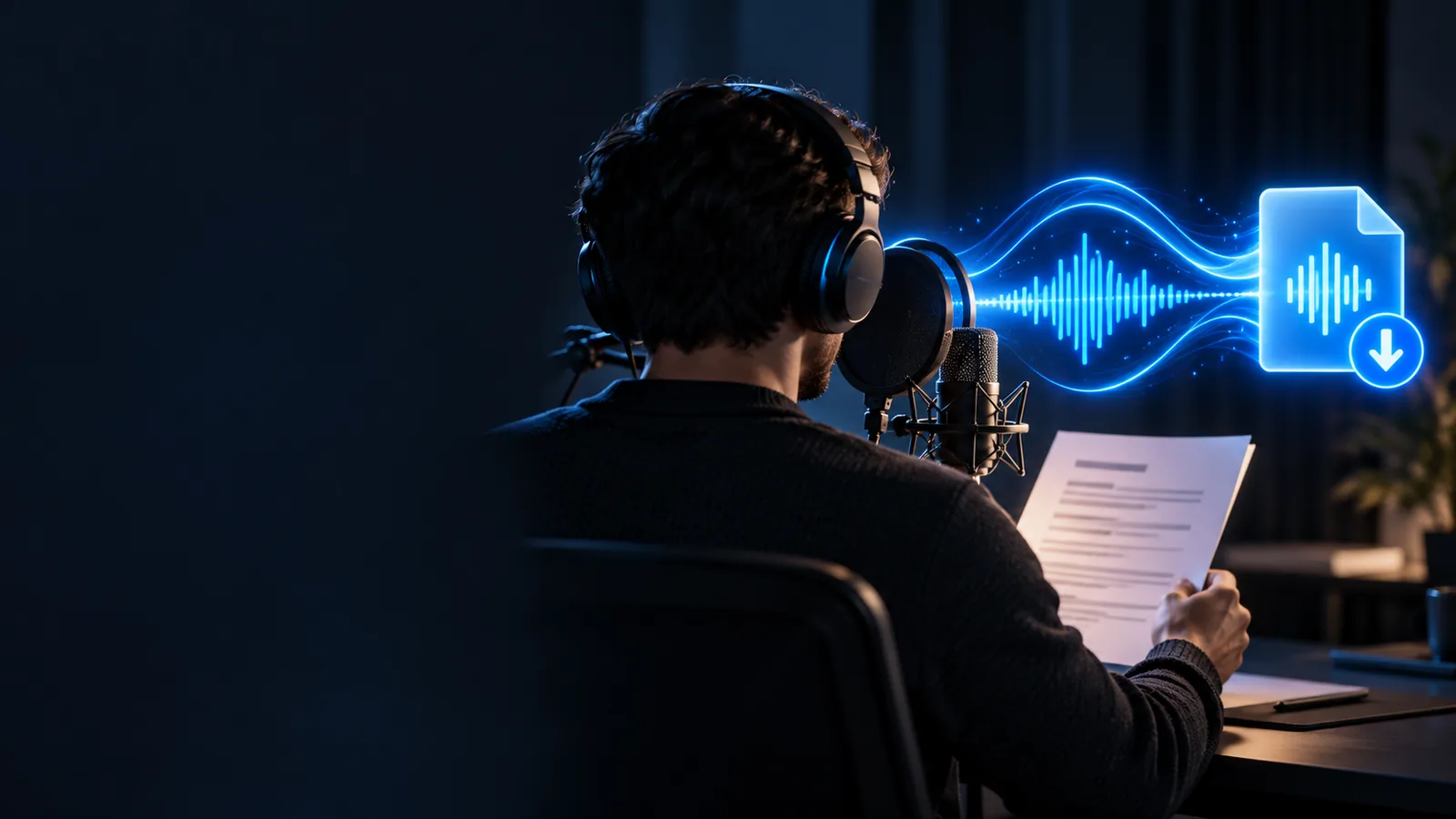
Voice generation workspace for creating spoken audio from text

Simple process

How an online voice generator works

The basic workflow is short, but each stage affects how natural and useful the final recording sounds.

  1. 1

    Prepare the words

    Write or paste a focused script with short sentences, clear punctuation, and the pronunciation of names or technical terms checked in advance.

  2. 2

    Set the delivery

    Choose the available voice and adjust the wording to match the intended mood, pace, and audience. Small edits often matter more than extra effects.

  3. 3

    Review the result

    Listen from beginning to end, check pauses and emphasis, and revise any sentence that sounds unclear before saving or using the audio.

From plain text to a usable voice track

The difference between a raw script and a ready-to-use recording usually comes from preparation and review rather than from adding more words.

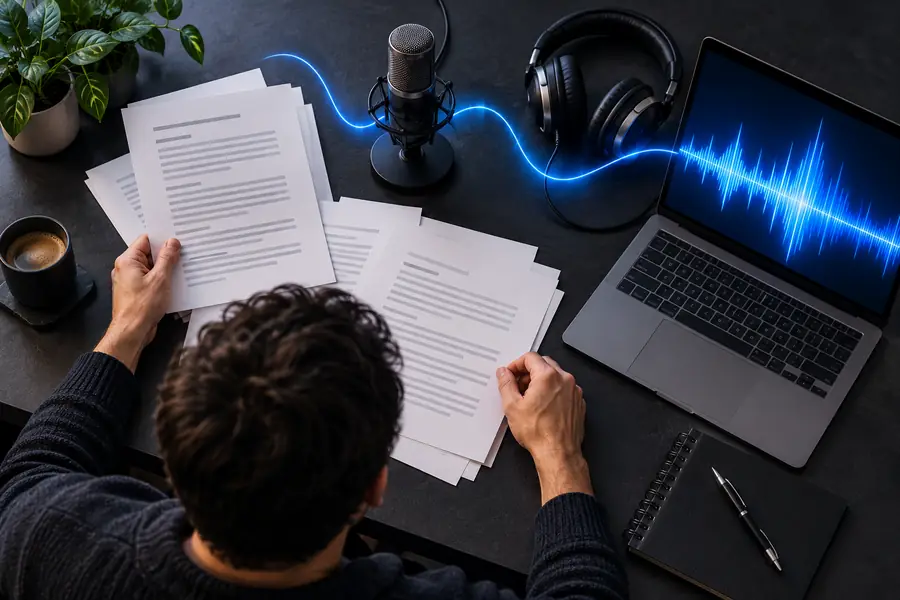
Text prepared for an online voice generation workflow Prepared script
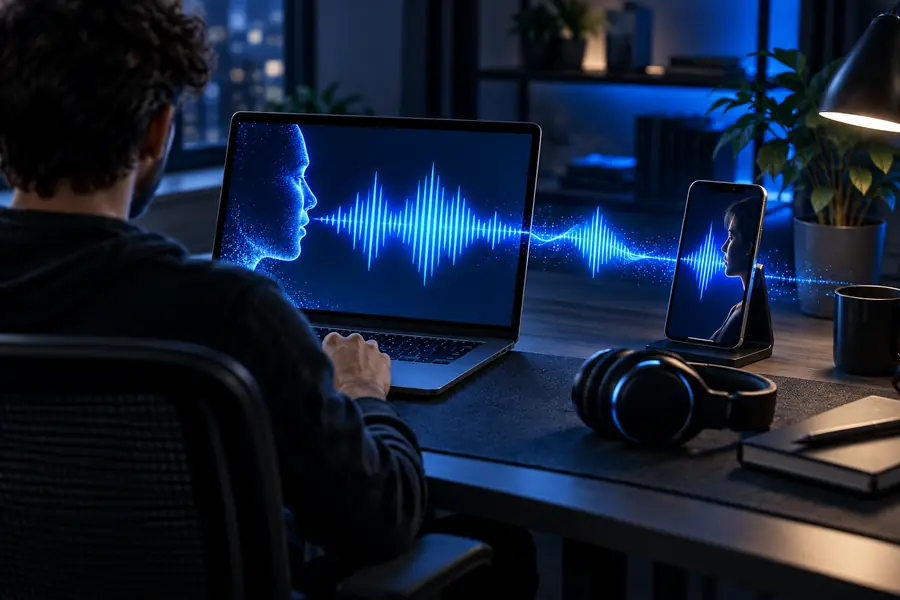
Spoken audio result created from prepared text Spoken result
Clear input makes the output easier to review.

Know the edges

Limits and practical workarounds

An online voice workflow is convenient, but it is not a replacement for every recording setup. These caveats help you plan a better result.

It cannot fix weak writing

A generated voice can read confusing or repetitive copy accurately, but it cannot decide what your audience truly needs to hear.

Workaround

Edit the script first: remove filler, use direct sentences, and place the key point near the start.

Pronunciation may need testing

Names, abbreviations, mixed-language phrases, and unusual terms can be pronounced differently from what you expect.

Workaround

Spell out difficult words phonetically or test a short sample before generating the complete script.

Emotion is not guaranteed

A selected voice may sound more expressive than plain text, yet the exact emphasis and feeling can vary by sentence.

Workaround

Use punctuation and shorter phrases to guide pauses, then listen critically to the whole passage.

Browser output is not a full studio

An online generator focuses on turning text into speech; it may not provide the detailed editing, mixing, or live direction of a recording studio.

Workaround

Use a separate editor afterward when you need music beds, detailed timing, noise treatment, or multiple tracks.

Turn your next script into spoken audio

Bring a finished paragraph, announcement, lesson, or narration idea and test it as a voice track. Starting with a small section makes it easier to judge pronunciation, pacing, and tone before you continue.

Try voice generation
  • Start with a focused script
  • Review pronunciation and pacing
  • Revise before using the final audio

Common questions

Voice generator online free FAQ

An online voice generator is designed to work through a browser-based workflow rather than requiring a dedicated desktop installation. Open the tool, provide your script, choose the available settings, and review the spoken result in the same general process.

Prepare the exact text you want spoken and check names, abbreviations, punctuation, and sentence length. A clean script gives you a better starting point and makes it easier to spot pronunciation or pacing issues during review.

It can produce a useful spoken version of written text, but naturalness depends on the selected voice, the wording, punctuation, and the type of passage. Testing a short sample first helps you decide whether the delivery fits your intended use.

It can be a practical starting point for short announcements, instructional passages, introductions, and narration drafts. For more demanding projects, listen carefully and use additional editing when timing, mixing, or precise performance direction matters.

Use short, direct sentences and add punctuation where you want a pause. Test difficult words separately, remove unnecessary filler, and review the complete result instead of judging it from only one sentence.

Start creating
Start creating