What is voice generator free and how does it work?
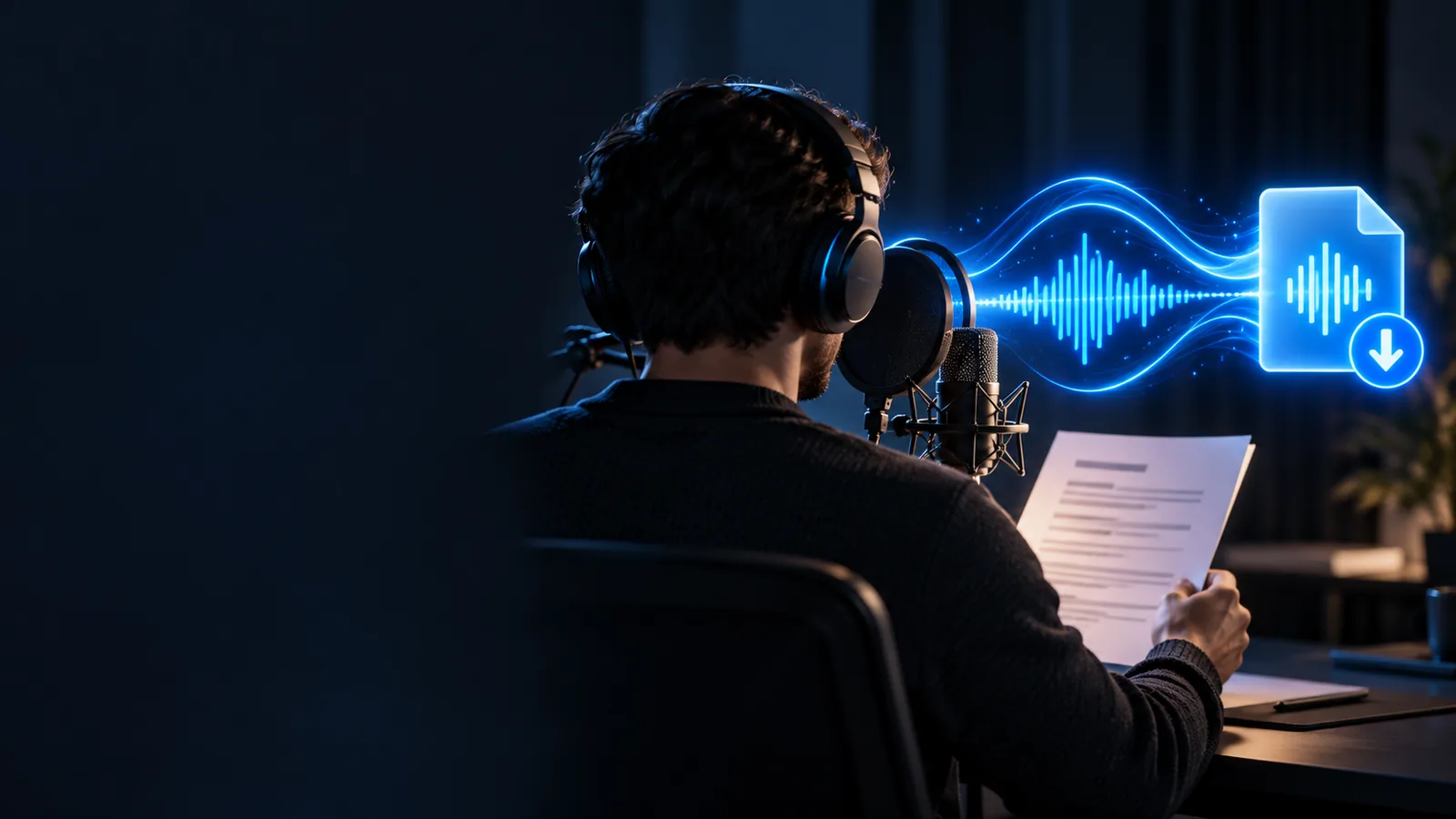
What is voice generator free? It is a tool that turns written text into spoken audio using a synthetic or AI-generated voice, helping people create narration without recording every line themselves.
A voice generator converts text into speech that can be listened to, edited, and used in a project. The word free usually describes access, not a promise that every voice, feature, or use case has no restrictions.
The process is usually straightforward, but the quality of the result depends on the text, the selected voice, and how the system handles pronunciation and pauses.
1
Prepare the words
Write or paste a script with clear sentences, punctuation, names, and numbers. Short paragraphs are easier to review than one large block of text.
2
Select a voice
Choose an available voice that suits the audience and mood. Consider pace, tone, clarity, accent, and whether the voice fits the subject.
3
Generate and review
The system analyzes the text and produces speech. Listen for incorrect pronunciations, awkward pauses, emphasis problems, or wording that should be revised.
The process begins with a script, sentence, or other text.
1written input
Text analysis and waveform synthesis shape the generated speech.
2core stages
The output is a spoken track that can be reviewed in context.
1audio result
Written script
Spoken result
The change is from readable text to an audible performance; the final quality still depends on review and editing.
What it can and cannot do
A voice generator is useful, but it is not a replacement for judgment, direction, or every kind of recording. Knowing the limits helps you set realistic expectations before using the result.
It cannot guarantee perfect pronunciation
Names, acronyms, uncommon words, and mixed-language passages may sound wrong even when the spelling looks correct.
Workaround
Rewrite difficult words phonetically, split long sentences, and listen to the complete passage before publishing.
It cannot replace every human performance
Generated speech can communicate information, but a human actor may be better for highly personal stories, nuanced dialogue, or live interaction.
Workaround
Use generated narration for drafts or repeatable explanations, then choose a human recording when emotional detail is central.
It cannot decide your message
The system speaks the text you provide; it does not automatically know your audience, intent, legal context, or brand voice.
Workaround
Edit the script first and define the tone, audience, pronunciation choices, and approval process.
Free access may have boundaries
A free option can differ from a paid or premium offering in available voices, usage limits, export choices, or permitted uses.
Workaround
Read the current terms and test a representative sample before committing the audio to a larger project.
Who uses a voice generator?
Different audiences use generated speech for different reasons. The right choice depends less on the label and more on the level of control, consistency, and review the project requires.
Voice generator
Human recording
Starting material
Voice generator
Written text, script, or prompt
Human recording
Recorded performance and direction
Production speed
Voice generator
Useful for producing a draft from prepared copy
Human recording
Requires scheduling, recording, and review
Consistency
Voice generator
Can keep a selected synthetic voice consistent across similar lines
Human recording
Depends on the actor, session, and recording conditions
Emotional nuance
Voice generator
May express broad tone or pacing, depending on the system
Human recording
Can respond directly to direction and subtle context
Revision process
Voice generator
Text changes can be regenerated without a new recording session
Human recording
Changed lines generally need another take
Best fit
Voice generator
Explainers, prototypes, accessibility drafts, tutorials, and repeatable narration
Human recording
Character-led work, intimate storytelling, and performances needing fine direction
Turn a prepared script into a voice draft
Once you understand the workflow, the most useful test is a short, representative passage. Check pronunciation, pacing, tone, and how the audio fits the intended audience before expanding the project.
It usually refers to a voice-generation tool that can be accessed without an upfront charge or with a free access tier. The tool converts written text into spoken audio, but the available voices, limits, exports, and usage rights can vary.
It analyzes written text and uses a speech model to estimate pronunciation, timing, emphasis, and sound. The model then synthesizes an audio waveform that resembles a spoken reading of the supplied script.
It can produce natural-sounding speech, but realism is not the same as a human performance. Results vary by voice, sentence structure, pronunciation, emotional direction, and the quality of the system being used.
Common uses include drafts, tutorials, explainers, accessibility support, prototypes, and narration for digital projects. Before publishing, check the tool's current terms, especially for commercial work, impersonation, and recognizable real-person voices.