Comparison guide

Voice Generator vs Voice Changer: Start With Your Source

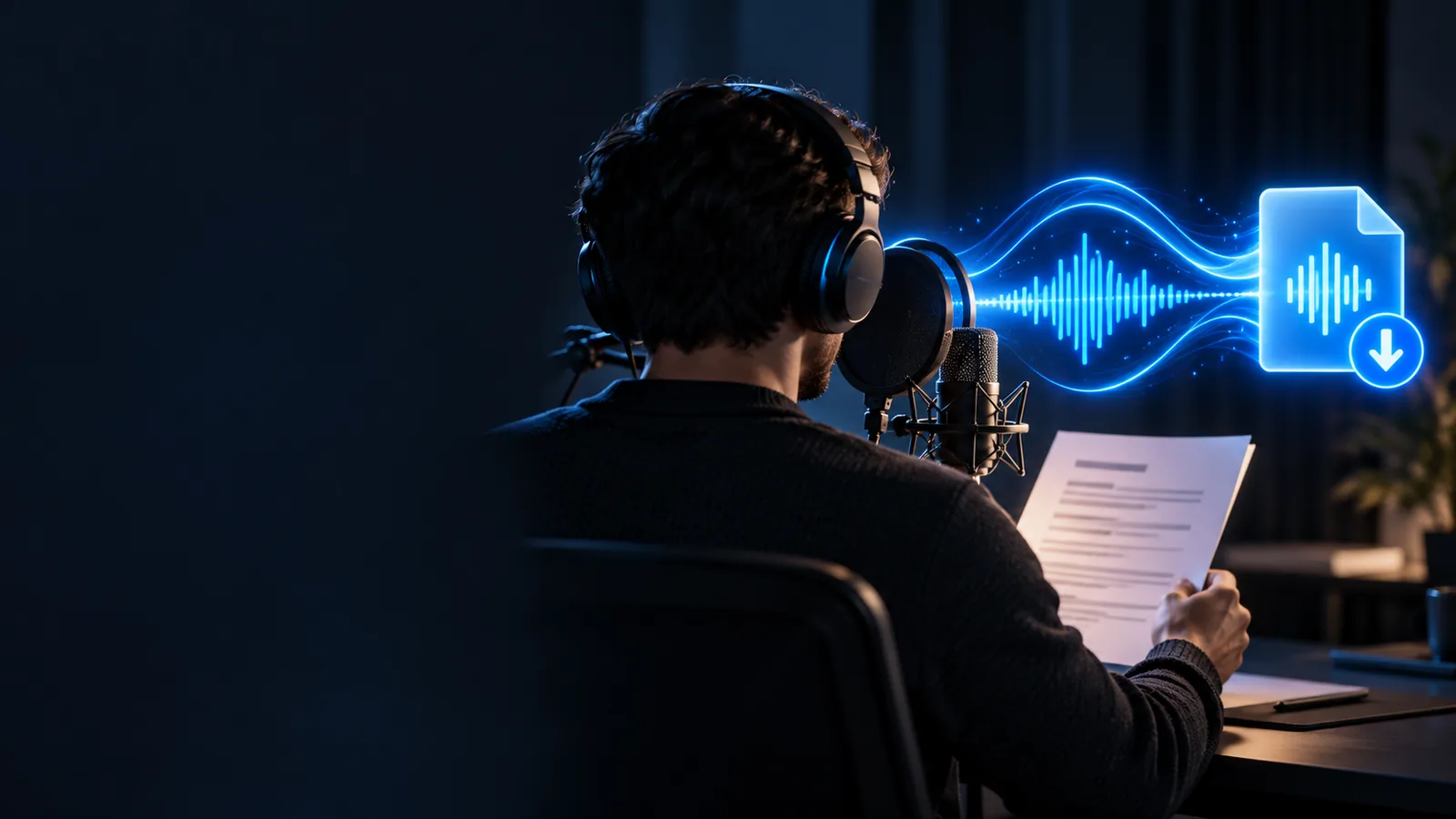
The voice generator vs voice changer decision starts with a simple question: do you have words to turn into speech, or a recording you want to transform? The answer affects preparation, revision time and how much control you have over the final performance.

Voicegenerator landing illustration

total-cost table

The largest cost is not always the tool. Count the work needed to prepare an input, produce a usable take and revise it when the script changes.

Script-first narrator

You have a finished explainer script but no recorded performance. A voice generator lets you begin with the words; a voice changer would first require someone to record them.

Compare the time spent preparing text with the time and equipment needed to capture clean audio. For a closer look at the broader terminology, see voice generator vs voice ai.

voice generator vs voice ai

Podcast editor

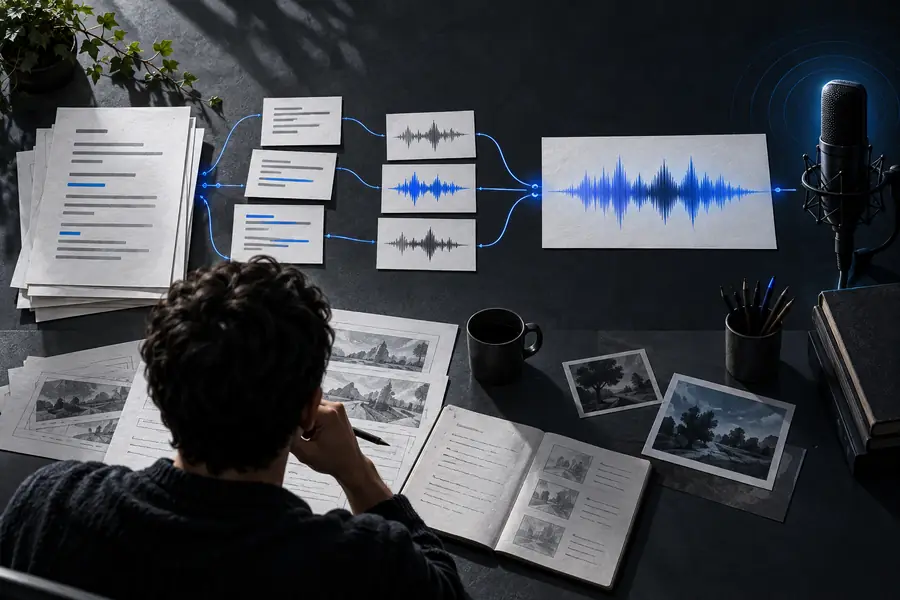
A host has already recorded a segment and wants to alter its vocal character. A voice changer can preserve the timing and much of the delivery in that recording.

Budget for cleanup and retakes as well as processing. If you are comparing other starting points, voice generator alternative free examines how access claims fit into a tool choice.

voice generator alternative free

Training-video producer

The on-screen instructions change frequently, but the spoken lines are short. Regenerating revised text may be less work than assembling a new recording session for every edit.

Include pronunciation checks and timeline adjustments in the estimate. Voice generator text to speech explains the script-to-audio route in more detail.

voice generator text to speech

Character performer

An actor has recorded a line with deliberate pauses, emphasis and comic timing. Transforming that take may retain choices that are difficult to recreate from text alone.

Allow time to review intelligibility after processing. Character voice generator explores the different ways a character voice can be planned.

character voice generator

where quality differs

Quality depends on the source as much as the method. Compare the same short passage at its intended listening volume, rather than judging voices from unrelated demos.

  1. 1

    Prepare comparable inputs

    For generation, write the line with punctuation that reflects the intended phrasing. For changing, record the same line clearly in a quiet space. A noisy or rushed take makes it harder to tell whether artifacts come from the voice changer or the original audio.

  2. 2

    Listen for different weaknesses

    Check a voice generator for unnatural emphasis, mispronounced names and pauses that do not match the scene. Check a transformed recording for muffled consonants, unstable pitch and background sound changing along with the voice. Neither category guarantees a convincing result.

  3. 3

    Test the finished context

    Place each candidate beside the music, visuals or dialogue it must accompany. A voice that sounds impressive in isolation may be too slow for the edit or difficult to understand in a busy mix. Keep a copy of the original script or recording so revisions remain possible.

where time differs

A generator avoids recording a first take, while a changer starts with one. Revisions can reverse that advantage: a rewritten sentence needs new speech, but a changed performance may need a fresh recording.

when switching is worth it

Switch when the source material or revision pattern changes—not merely because another voice sounds appealing in a short preview.

This comparison cannot change a recording

Voicegenerator explains the distinction here; this page does not take microphone input, process a file or preview a converted voice. Reading a comparison will not reveal how your particular recording survives processing.

Workaround

Test a short, representative clip in a tool that explicitly supports voice changing, and listen for intelligibility and artifacts.

A generated line cannot inherit every performance choice

If a performer has already delivered a line with precise emotion and timing, starting again from text may lose those details. Switching to a voice generator can create more editing work than keeping the take.

Workaround

Keep the recording when its delivery matters most; consider text-first speech for lines that are still being rewritten.

Neither route settles rights or consent

A technically convincing voice is not permission to imitate a real person, reuse a recording or publish someone else's performance. The appropriate permissions depend on the voice, source material and intended use.

Workaround

Use voices and recordings you are authorized to use, and review the applicable tool terms before publishing.

This page cannot verify a product's current terms

Available controls, permitted uses, output options and access conditions can change. A category-level comparison should not be read as a feature list for any particular service.

Workaround

Check the destination service's current documentation and test the exact workflow you need before committing a project.

Cost factors side by side

Use these rows as a project worksheet, not a price list. The less expensive route is the one that produces an acceptable result with fewer recording, review and revision hours.

Voice generator
Voice changer

Starting material

Voice generator

Written words; allow time to draft and proofread them.

Voice changer

Recorded speech; allow time to perform and capture a clean take.

Recording setup

Voice generator

No source performance is required for a text-first workflow.

Voice changer

Microphone quality and room noise can affect the transformed result.

New script line

Voice generator

Revise the text, produce new speech and check its delivery.

Voice changer

Record the new line, then process and match it to existing audio.

Existing performance

Voice generator

Timing and emphasis may need to be recreated or edited.

Voice changer

The source take supplies timing and emphasis, subject to processing artifacts.

Pronunciation review

Voice generator

Check names, abbreviations and unfamiliar words in the generated speech.

Voice changer

Check whether consonants remain clear after the recording is transformed.

Background noise

Voice generator

Not inherited from a microphone take when starting with text.

Voice changer

May remain audible or become more noticeable after processing.

Human performance time

Voice generator

Useful when no performer is available to record each revision.

Voice changer

Requires a performance but may preserve expressive choices already made.

Final editing

Voice generator

May require changes to pacing and placement against the video.

Voice changer

May require cleanup, level matching and checks for altered timing.

Visualize the starting-point difference

Illustrative image for planning a text-first voice workflow Start with a script
Illustrative image for planning a recording-first voice workflow Start with a recording
These images illustrate the two starting points; they are not audio samples or a before-and-after quality test. A voice generator creates speech from a written input, while a voice changer transforms speech that has already been performed.

Choose your next voice workflow

Have words ready to speak?

If your project starts with a script rather than an existing take, explore voice creation through the linked service. Check its current capabilities and terms there before planning a production workflow; this comparison does not establish which controls or output options it offers.

Explore voice creation
  • Start from the material you actually have
  • Review the result in its final context
  • Keep permission and revision needs in view

comparison FAQ

A voice generator typically creates spoken audio from text or another non-recorded input. A voice changer begins with an existing vocal performance and alters how that recording sounds. The useful distinction is what you must supply before the tool can do its job.

A voice generator can be a practical starting point when the narration exists as a script and no suitable take has been recorded. A voice changer may be more appropriate when you already have a well-delivered recording and want to change its vocal character. Compare both using the same passage and the actual video or mix.

A recording-first voice changer needs source speech to transform, whether that speech is captured live or supplied as a file. Some products combine changing and text-to-speech features, so their names alone may not describe every available workflow. Check the input requirements of the specific tool.

If the words change often, editing a script and producing new speech may avoid repeated recording sessions. If the words stay fixed and the original performance is strong, changing that take may save time preserving its delivery. Review and cleanup time can outweigh the first-pass speed of either approach.

That depends on the tool, the source material and the permissions involved; this comparison does not promise an imitation feature. Sounding plausible is also different from having the right to use someone's identity or recording. Obtain appropriate consent and review the service's rules before attempting that use.

Start creating
Start creating