A preview is not an export
You may be able to hear a result without having access to a file you can use in an editor.
Workaround
Verify the available export options and terms before producing a long script.
Voice planning
A voice generator can turn written words into spoken audio, but available voices, usage limits and downloads depend on the destination. Start with a short, original passage so you can judge the result before planning a larger project.
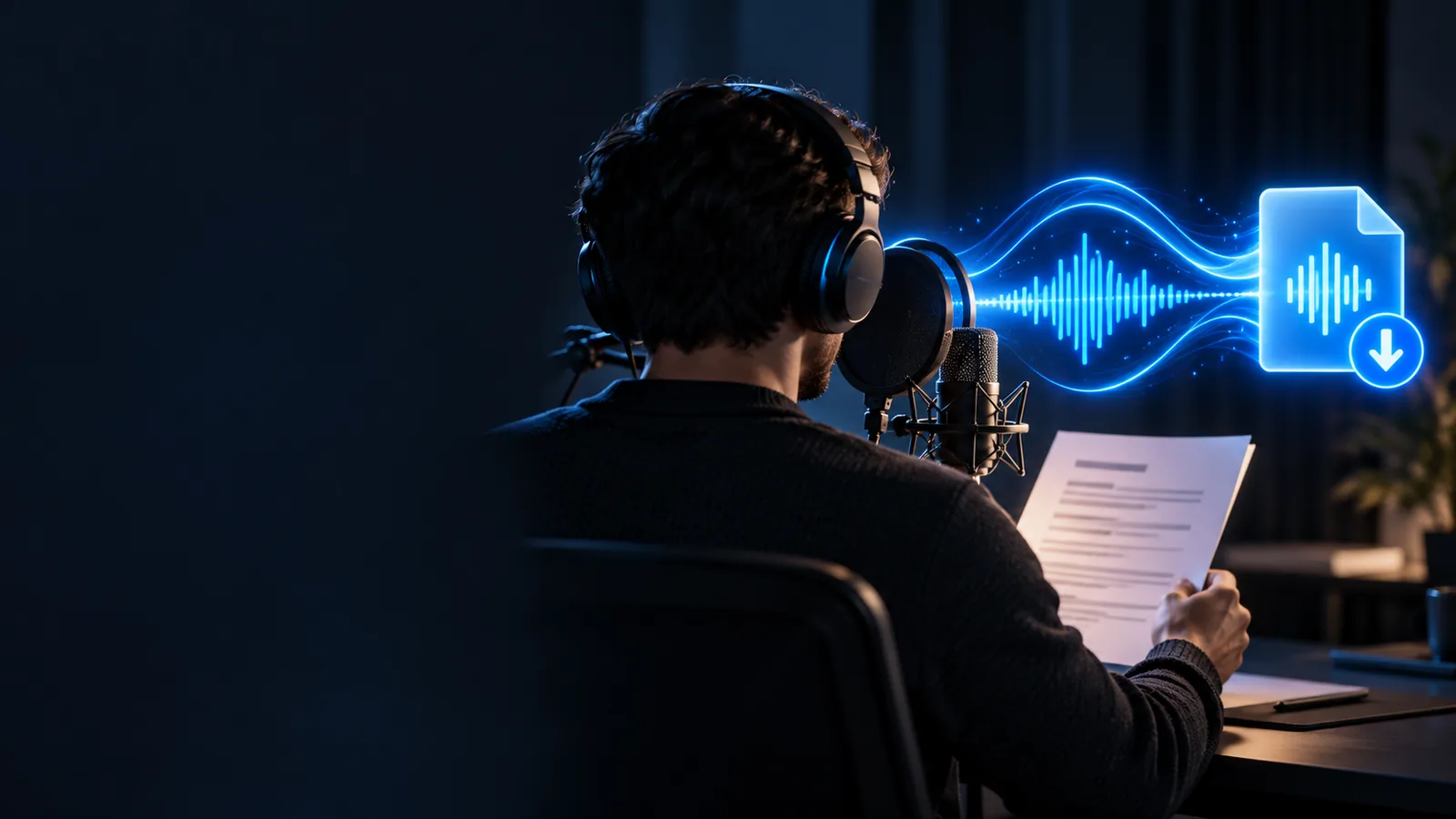
You need words to speak, a sense of the intended delivery and a way to assess the audio. Check the destination’s current terms before assuming any feature is included.
Choose two or three original sentences with the names and punctuation your project actually needs. A realistic sample reveals pronunciation problems that a generic greeting might hide.
Decide whether this voice generator is for a private draft, a public video or a client deliverable. Your intended use determines which licensing and attribution terms you should review.
At the destination, check access requirements, voice selection, export availability and permitted uses. Do not assume that generating a preview also permits downloading or publishing it.
Paste your short passage, choose an available voice, listen once for meaning and once for errors, then check whether you can use the result as intended.
These panels illustrate the change in task: a readable script is the input; a usable voice recording still needs a listening and rights check.
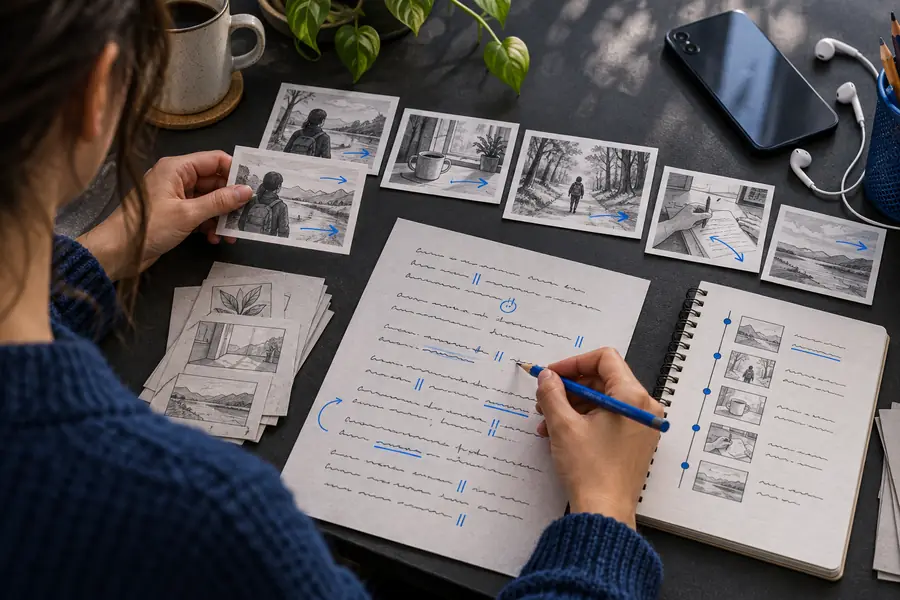 Script prepared
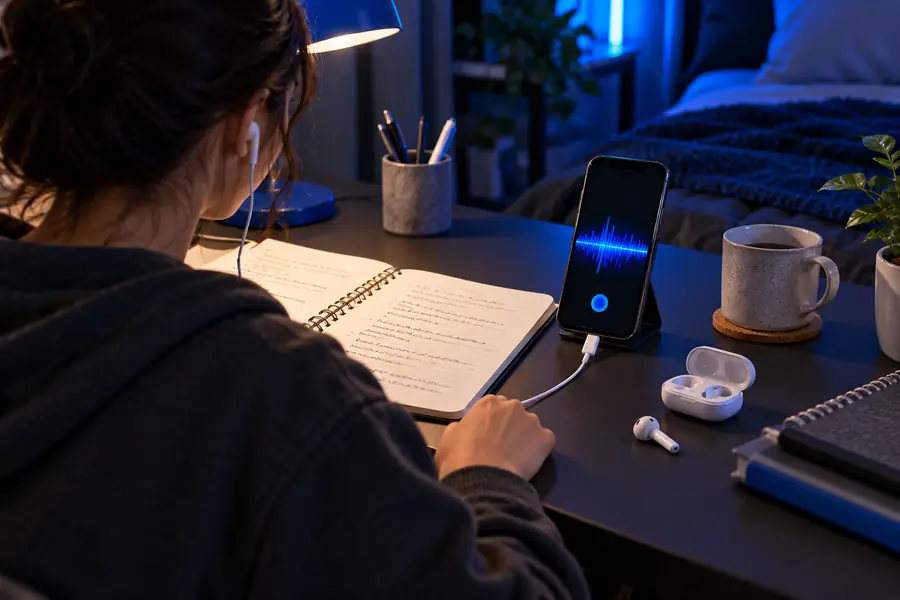 Narration reviewed
Compare a short evaluation pass with the checks needed before you rely on a voice generator for a finished piece. Neither column describes a guaranteed product tier.
Script
Testing a draft
A few representative sentences
Preparing to publish
The complete, edited narration
Voice choice
Testing a draft
Listen for tone and clarity
Preparing to publish
Confirm consistency across the full script
Names and terms
Testing a draft
Include one difficult example
Preparing to publish
Check every important pronunciation
Pacing
Testing a draft
Notice awkward pauses
Preparing to publish
Review timing against the final visuals
Audio access
Testing a draft
Check whether a preview is available
Preparing to publish
Verify that the required export is available
Usage rights
Testing a draft
Read the stated terms
Preparing to publish
Confirm the terms cover the intended publication
A convincing short preview does not settle every practical question. These are common reasons to pause before committing to a voice generator workflow.
You may be able to hear a result without having access to a file you can use in an editor.
Workaround
Verify the available export options and terms before producing a long script.
Abbreviations, unfamiliar names and dense sentences may sound different from what you intended.
Workaround
Test the difficult passages first, then simplify or rephrase where needed.
This page cannot confirm the destination’s current limits, account requirements or permissions.
Workaround
Read the live terms at the destination before relying on a recording.
An appealing test line might not carry the right tone through instructions, dialogue or sensitive material.
Workaround
Listen to several representative passages before choosing a delivery.
Bring a short, original script to Voicegenerator’s destination. Listen for pronunciation and pacing, then confirm the current access and usage terms before using any result in a finished project.
Try your scriptNot necessarily. Some services distinguish between listening to a preview and exporting a recording. Check the destination’s current options before building a project around an expected download.
Requirements vary by service and can change. Follow the destination’s current instructions rather than assuming that a preview, export or particular voice is available without an account.
That depends on the applicable usage terms and the voice you select. Review permission, attribution and any restrictions for your intended use before publishing.
The spelling may not clearly indicate the pronunciation, or the sentence may give too little context. Try a clearer spelling or rephrase the sentence, then listen to the revised passage before continuing.