Subtle acting choices
Small pauses, restrained reactions, and scene-specific intention may not come through exactly as imagined.
Workaround
Describe the emotional objective and test several short lines rather than relying on one long script.
Voice design
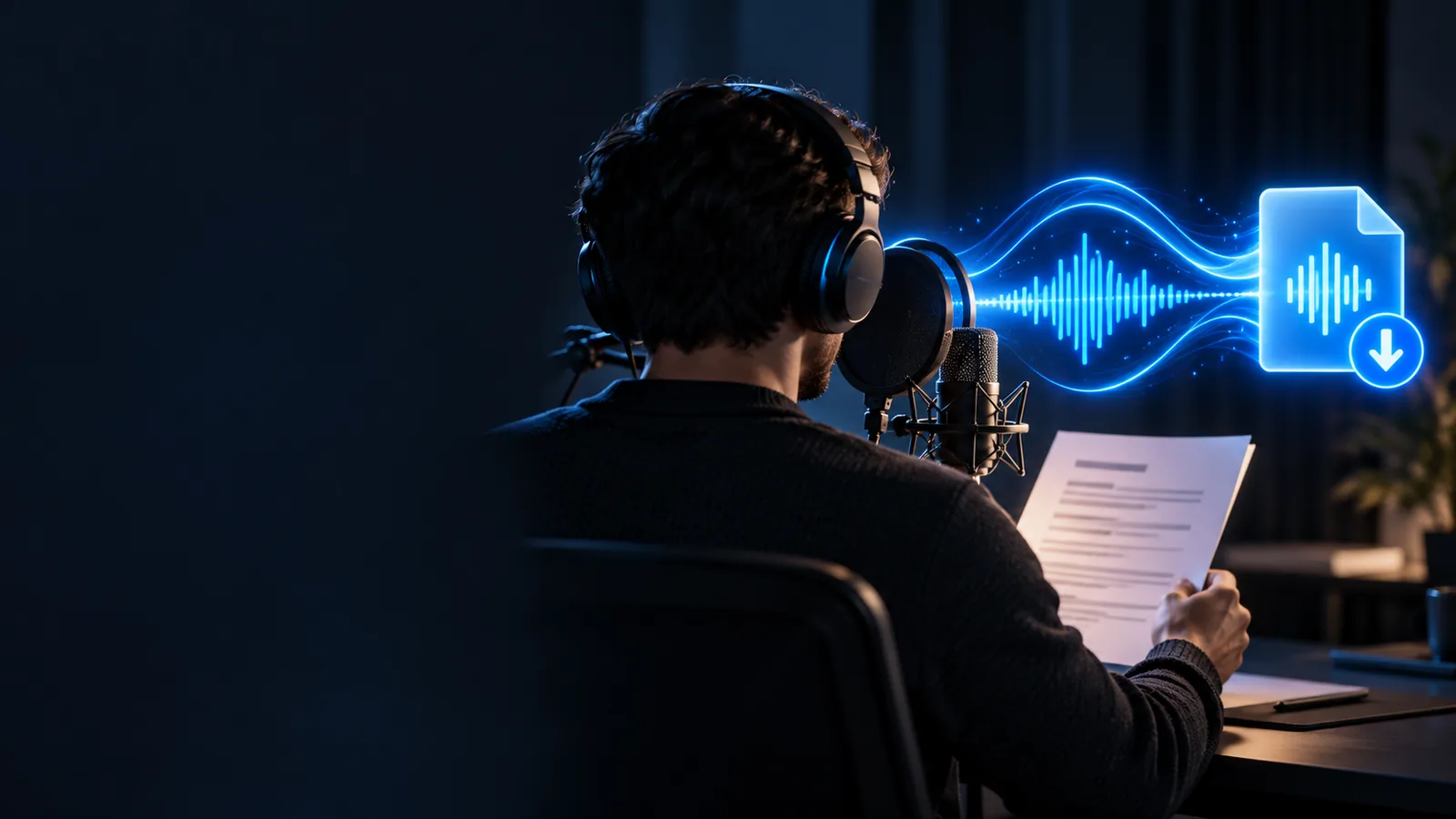
A character voice generator helps you shape a fictional speaker from a written brief, then test whether the result sounds clear, consistent, and suited to the role. Start with a short description of the character, their attitude, and the scene.
Related formats
Simple workflow
Name the character’s age range, mood, role, speaking style, and situation. Concrete traits produce a more useful direction than a vague request for a dramatic voice.
Use one or two sentences that reveal the character’s rhythm, attitude, and pronunciation. A short test makes it easier to compare variations without losing the original brief.
Listen for clarity, emotional fit, pacing, and consistency with the character. Adjust the description instead of changing several variables at once.
Structural comparison
Both approaches can change how speech sounds, but they begin with different inputs and preserve different parts of the original performance.
Starting point
Character voice generation
A written character brief or script
Voice conversion
Recorded speech from an existing speaker
Main control
Character voice generation
Persona, tone, pacing, and delivery direction
Voice conversion
Voice identity or vocal color of the source
Performance source
Character voice generation
Generated interpretation of the text
Voice conversion
A performed recording that is transformed
Best for
Character voice generation
Fictional roles, narration, dialogue, and prototypes
Voice conversion
Retaining timing and acting from a live performance
Input quality
Character voice generation
Clear writing and specific character traits
Voice conversion
Clean audio with stable volume and pronunciation
Revision style
Character voice generation
Rewrite the brief or script and test again
Voice conversion
Re-record or adjust the source performance
Creative risk
Character voice generation
The result may miss a subtle acting intention
Voice conversion
The result may preserve unwanted breaths or timing
Honest limits
A generated character performance is not a perfect substitute for an actor, a carefully directed session, or a source recording with intentional timing.
Small pauses, restrained reactions, and scene-specific intention may not come through exactly as imagined.
Workaround
Describe the emotional objective and test several short lines rather than relying on one long script.
A written prompt can suggest a persona, but it does not guarantee a precise match to a particular person or reference voice.
Workaround
Use original character traits such as age, energy, cadence, and role instead of naming a real individual.
Names, invented words, accents, and unusual spellings can be interpreted inconsistently.
Workaround
Rewrite difficult terms phonetically and review every important line before use.
A brief cannot replace live feedback about blocking, timing, interaction, and how another performer reacts.
Workaround
Generate short lines per beat and assemble the strongest takes during editing.
Test the difference
Compare a plain source idea with a character-led direction. The useful change is not just a different sound; it is a clearer performance objective.
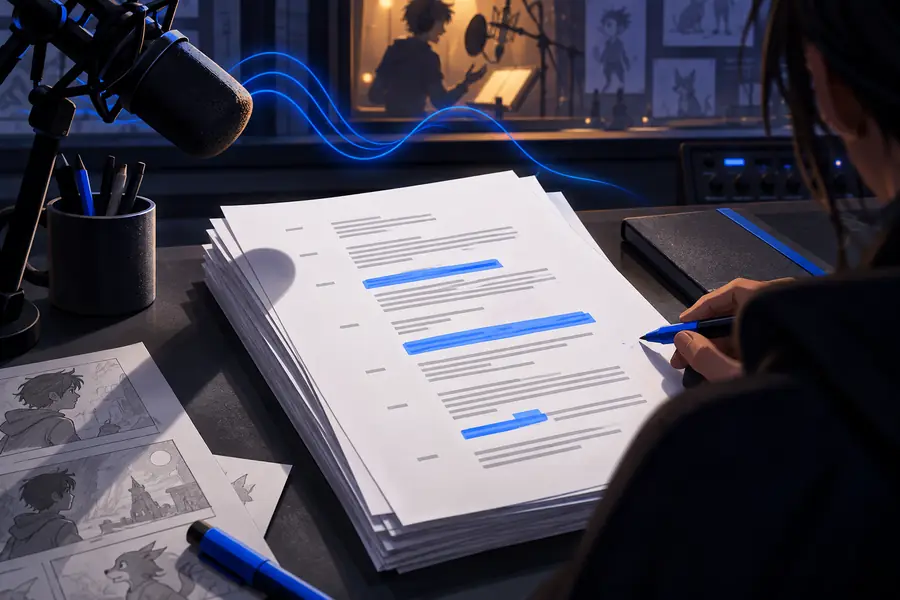 Undirected script
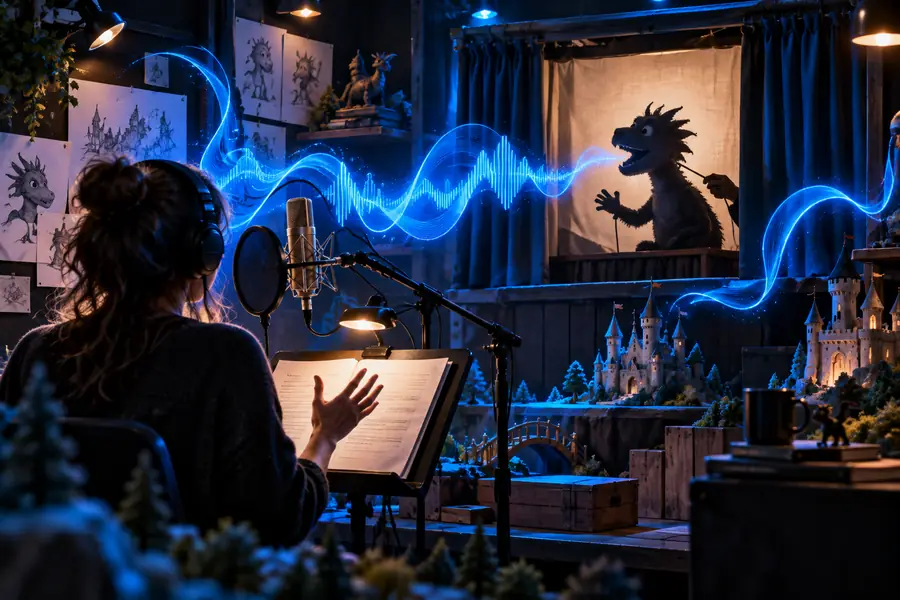 Character-directed script
Final review
Play the result with the character brief beside you. Check whether the voice stays recognizable across lines, whether the emotion fits the scene, and whether every important word is intelligible. Then test the same direction on a second sentence; consistency matters more than one impressive sample.
Generate a character voiceCommon questions
It is a tool that turns a written character direction and script into spoken audio. The direction can describe traits such as age range, mood, energy, pacing, and role.
Give the character a clear objective, personality, and speaking situation rather than using only broad labels such as funny or dramatic. Test short lines and refine one quality at a time so you can tell which change helped.
It can help you audition dialogue, prototype scenes, and prepare narration for creative projects. Review the output for pronunciation, consistency, and suitability before using it in a finished production.
Character generation usually starts with text and a persona brief, while voice conversion starts with an existing recording. Generation offers more control over the written performance, while conversion is better suited to preserving the timing and acting of a source take.
The direction may be too broad, or the lines may imply different emotions and pacing. Keep the core traits consistent, reuse a concise voice brief, and compare short samples before expanding the script.